Watch ControlBird
Narrated build-alongs recorded in the real product. Every click is the product doing the work, not a mockup.
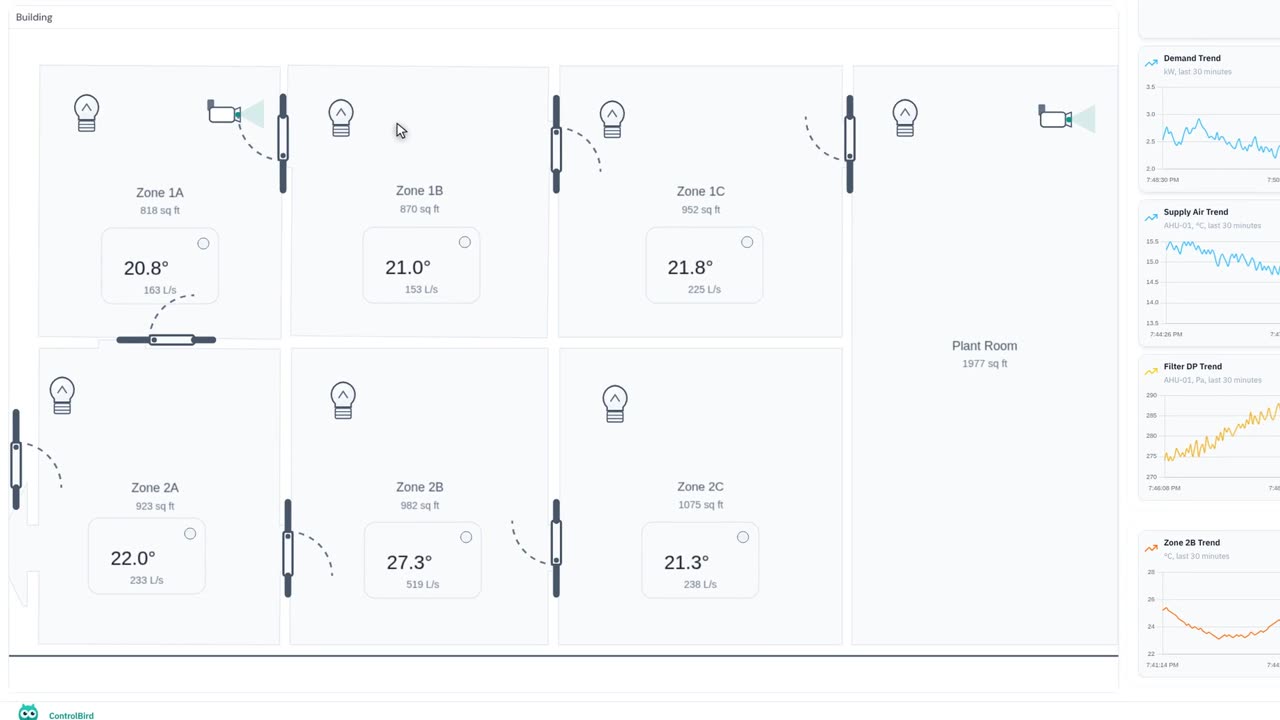
I Gave AI a Floor Plan. It Built the Live Control Screen.
Hand ControlBird AI a building floor plan and it traces the walls and rooms itself, binds each room to the zone that drives it, and adds the lighting and cameras. What comes back is not a diagram: every zone reads its own temperature and airflow, live.
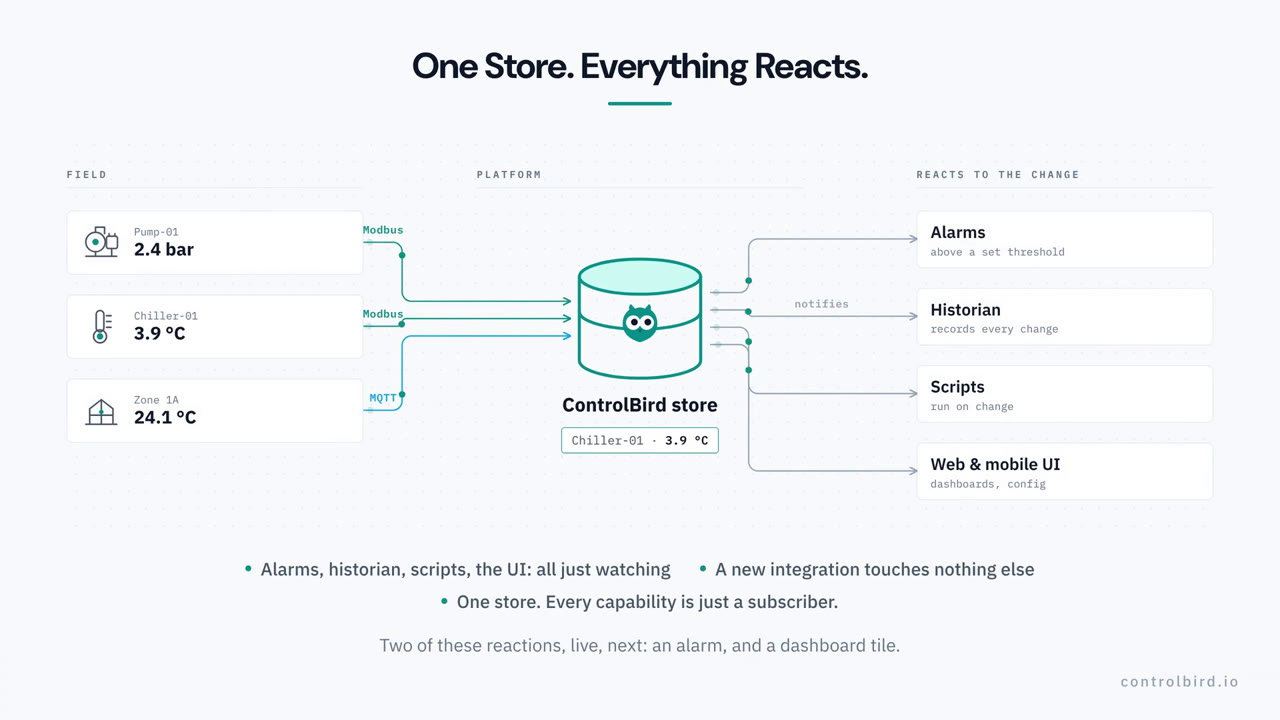
How Real-Time Automation Architecture Works: One Live Data Store
One live store sits at the center of ControlBird, and every alarm, chart, and dashboard is a reaction to it. See the concept, then watch it hold up on a running system.
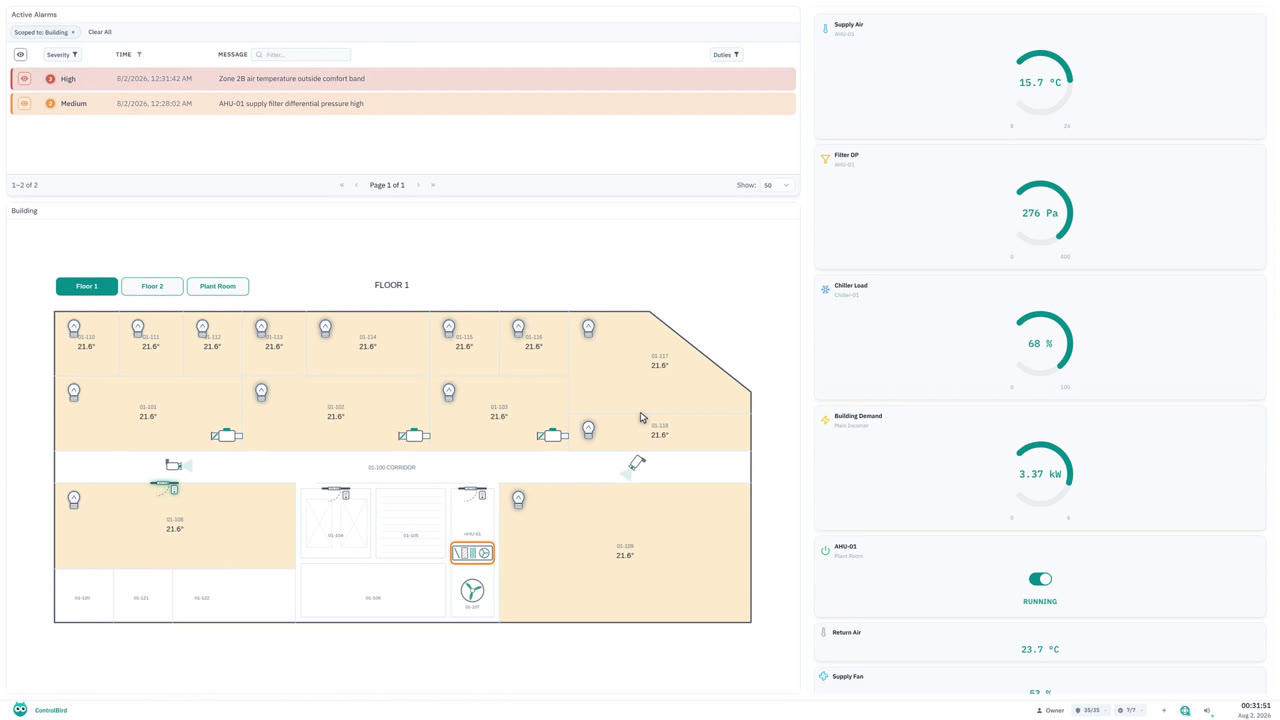
Web-Based SCADA Interface Tour: Apps, Windows, and Dashboards
Sign in and take the tour: the start menu and its app groups, windows you arrange like any desktop, and the taskbar that always tells you where you stand.
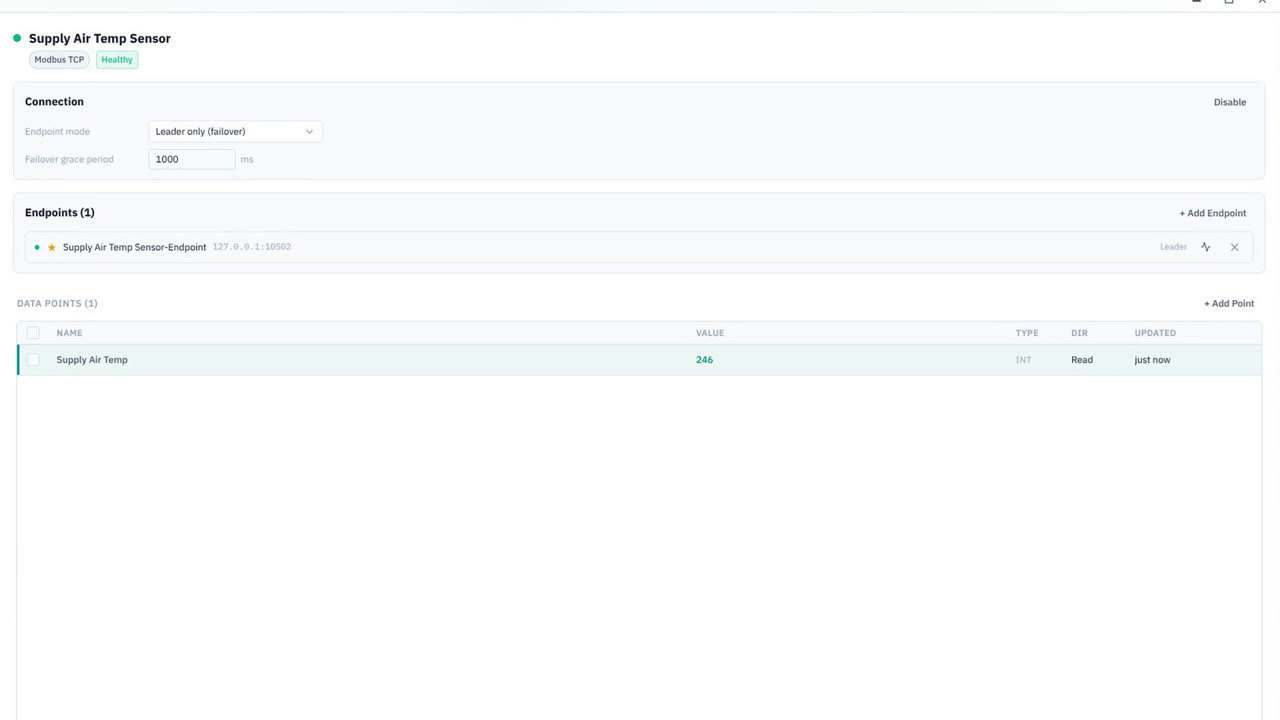
How to Connect a Modbus TCP Device and Get a Live Reading
Run the guided wizard end to end: pick Modbus TCP, point it at a host and port, define one point, and watch the reading arrive and keep updating on its own.
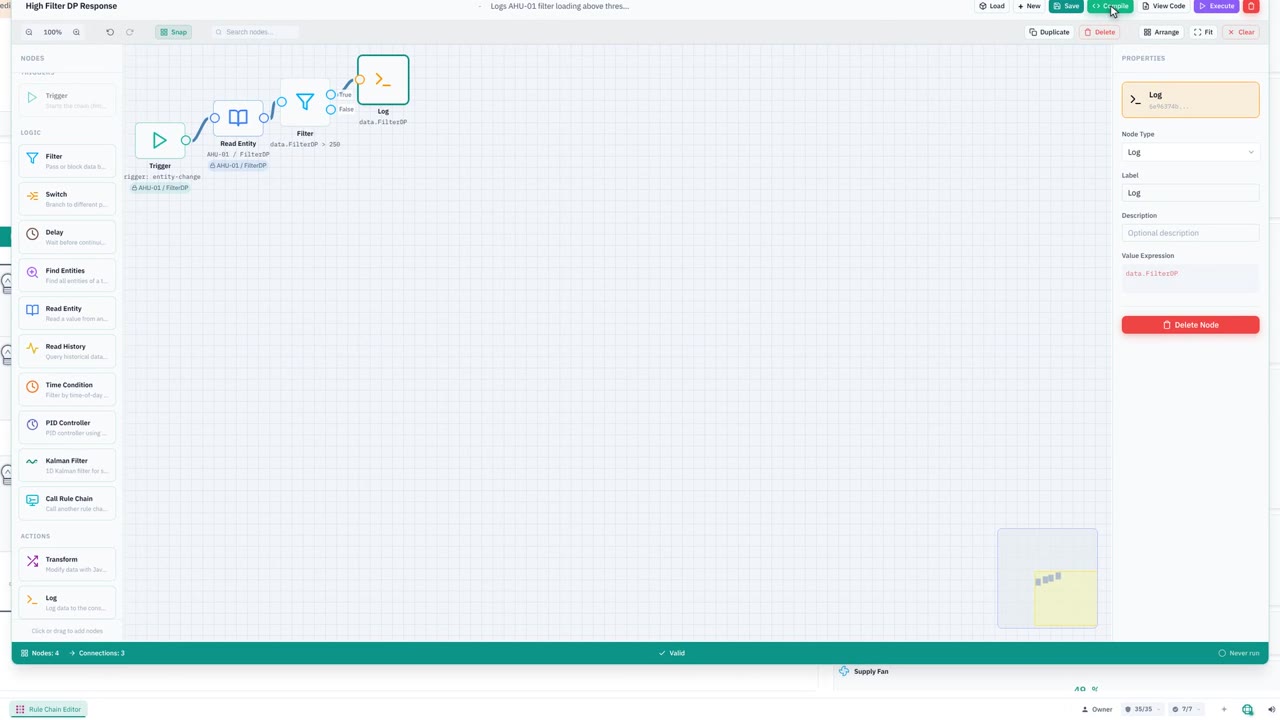
Build a No-Code Automation Rule: Trigger, Condition, Action
Build a rule chain on the visual canvas: a trigger bound to a live reading, a fresh read, a condition, and an action, then compile it and watch it run.
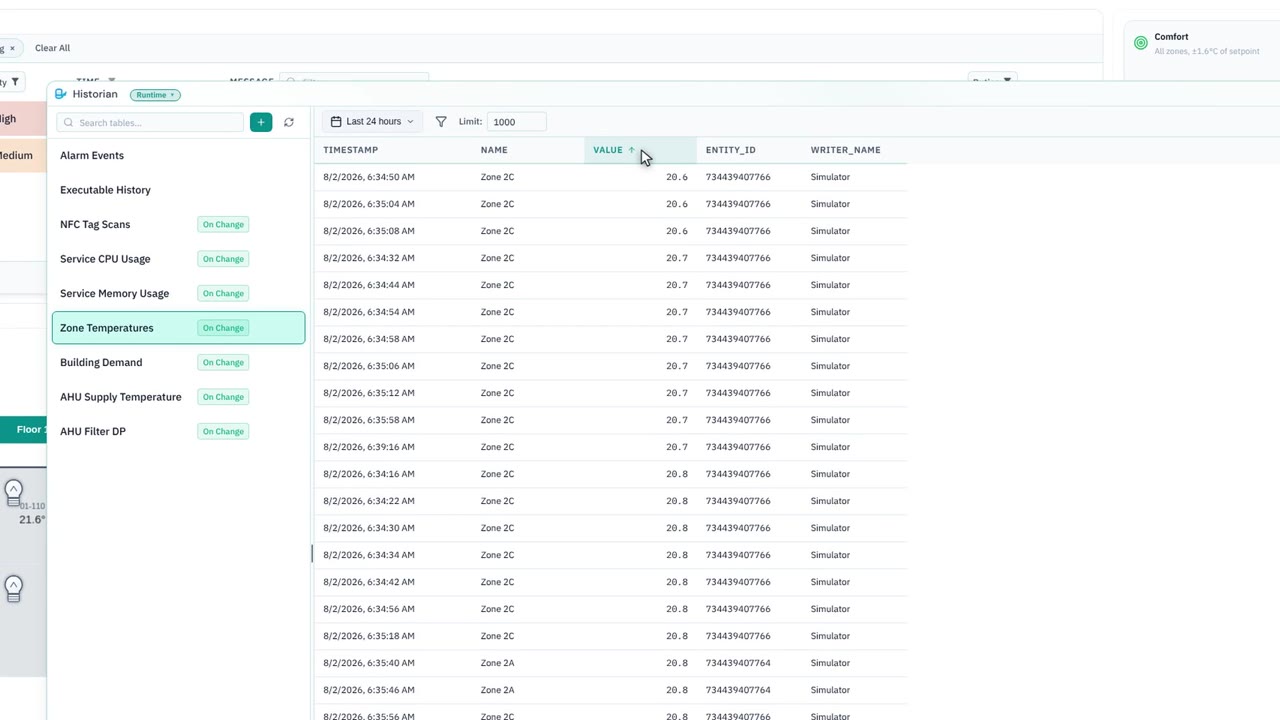
SCADA Historian Tutorial: Query and Filter Historical Data
Everything the platform records is one query away: pick a table, sort the extremes forward, filter to one zone with a SQL clause, and narrow the time window.
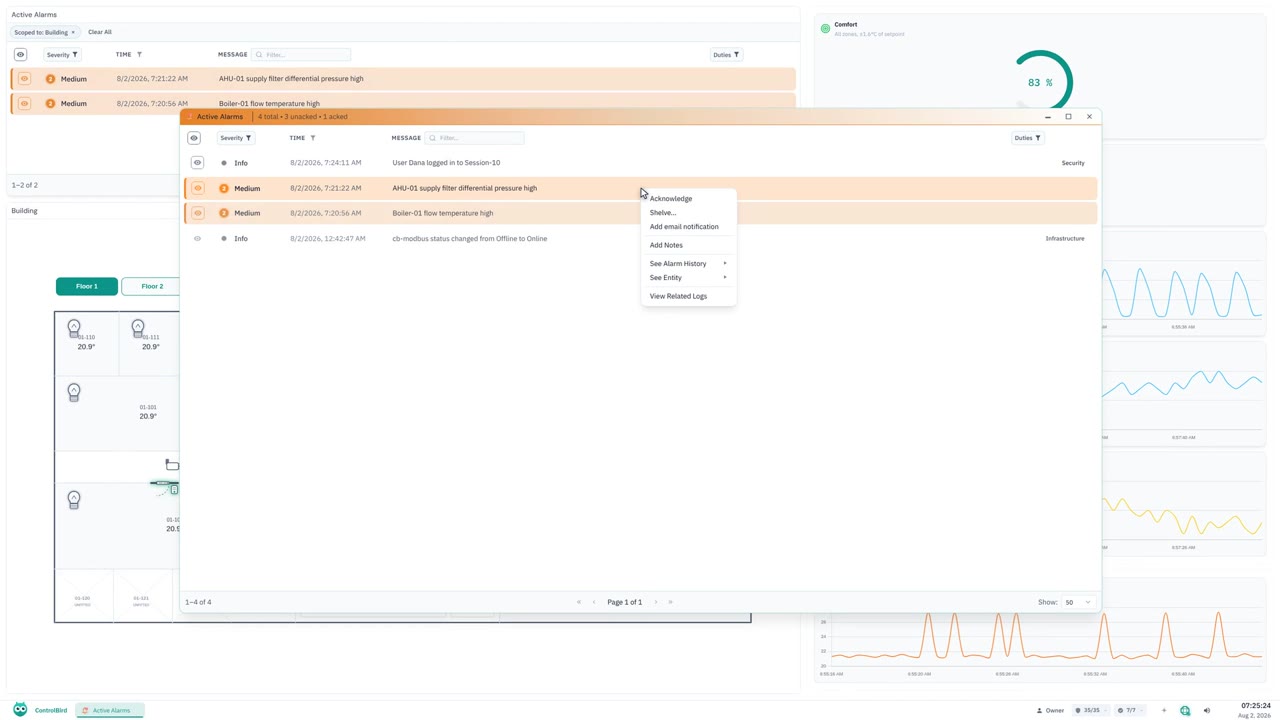
SCADA Alarm Management: Severities, Acknowledge, and Alarm History
Read an alarm row, understand severities, acknowledge on camera, and follow an alarm into its full history, with the operator toolkit along the way.
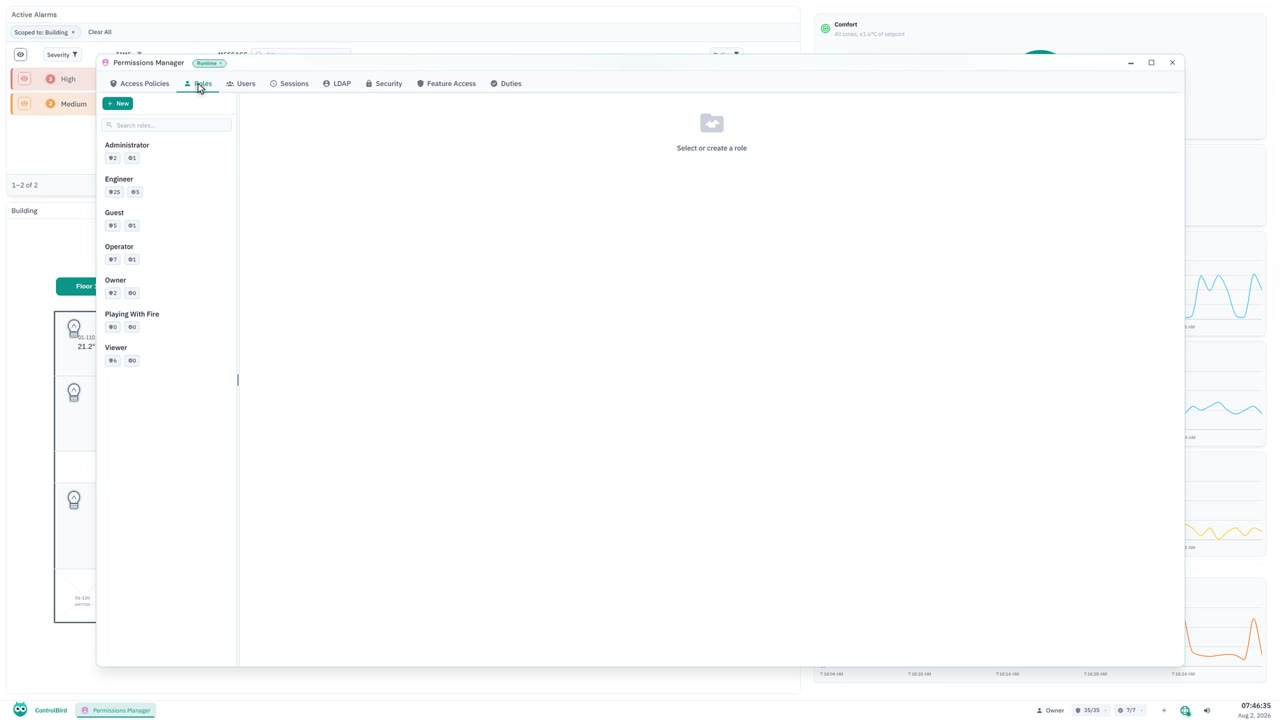
SCADA User Roles and Permissions: Owner, Operator, and Viewer
A real team on one site: owners, operators, and viewers, what each role grants, and the break-glass role for protected system pieces.
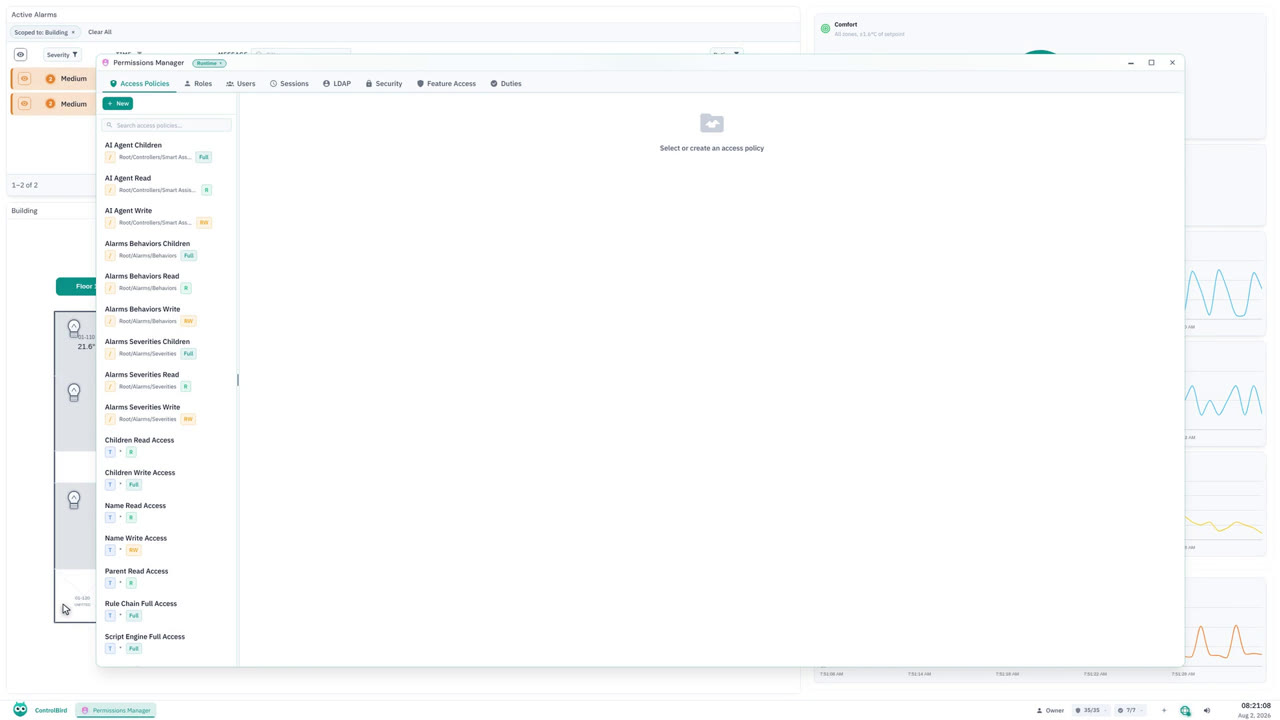
Role-Based Access Control: Path-Scoped Policies and Live Sessions
Path-scoped access policies, role hierarchy through subset roles, and the Sessions tab that shows who is actually signed in right now.
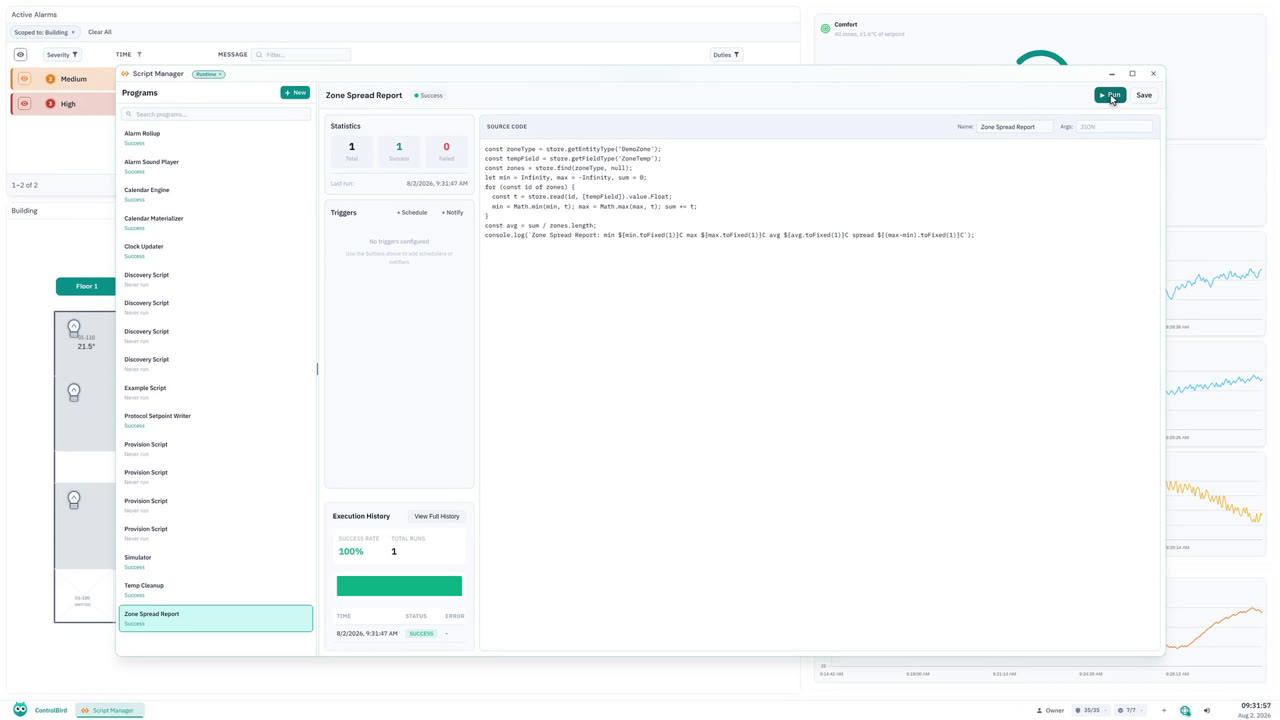
JavaScript Scripting for Automation: Custom Logic Beyond Rules
When a rule chain cannot express the logic, write it: a real JavaScript program typed, saved, and executed live against every zone in the building.
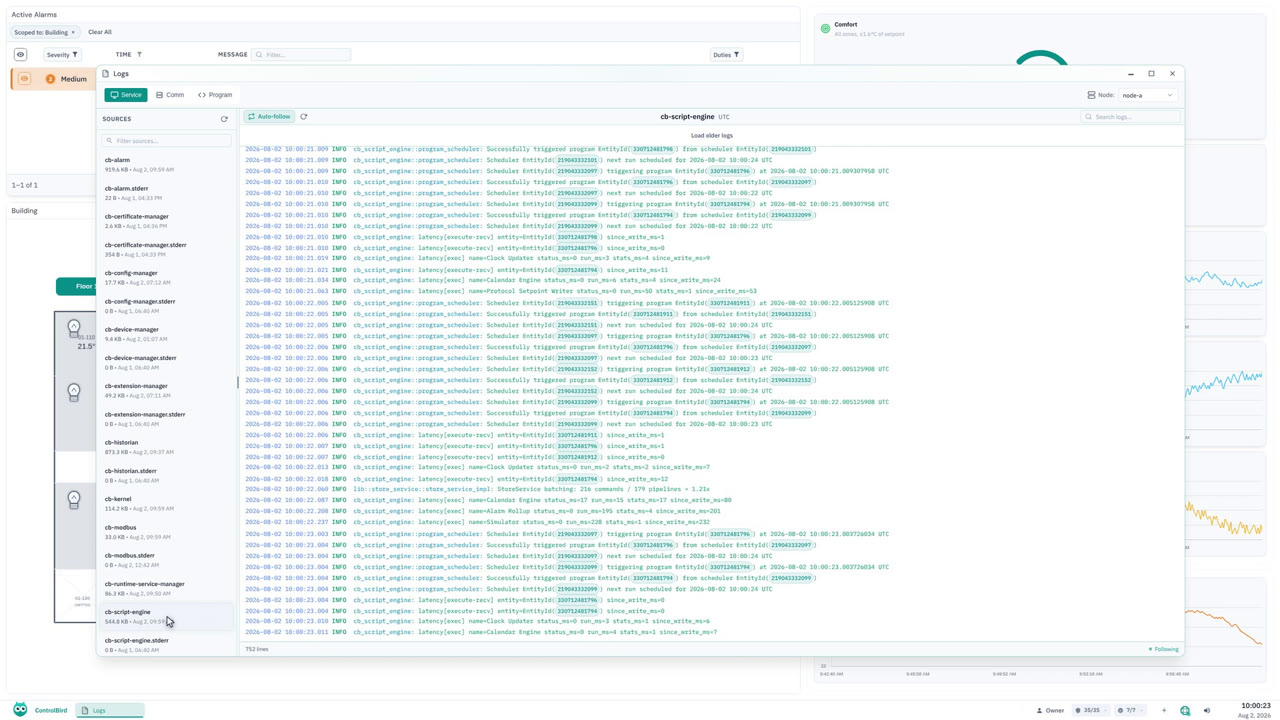
How to Troubleshoot Device Communication: Live Logs and Hex Traces
Service logs tailing live, device conversations byte for byte in hex, and a search that filters thousands of lines as you type, all in one app.
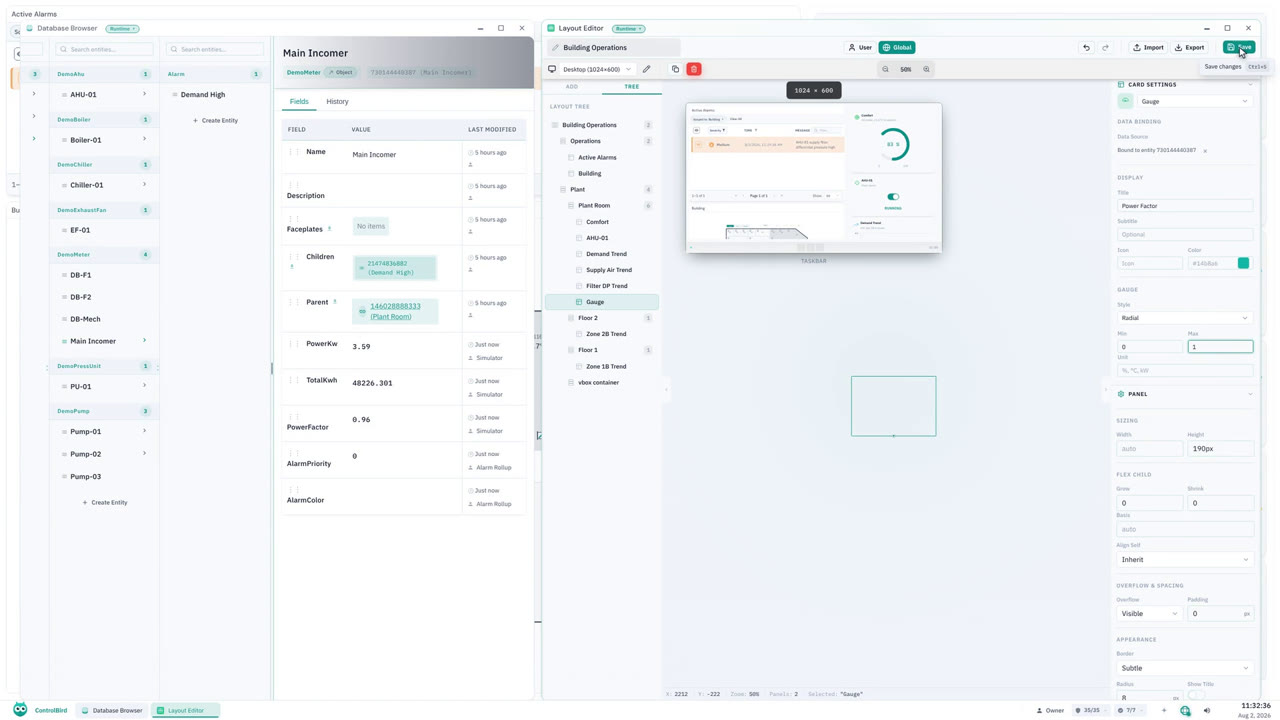
Build a Live SCADA Dashboard with a Drag-and-Drop Editor
The dashboard the whole series records against, opened in its own editor: real anatomy, one new live gauge bound by drag and drop, saved to every desktop.
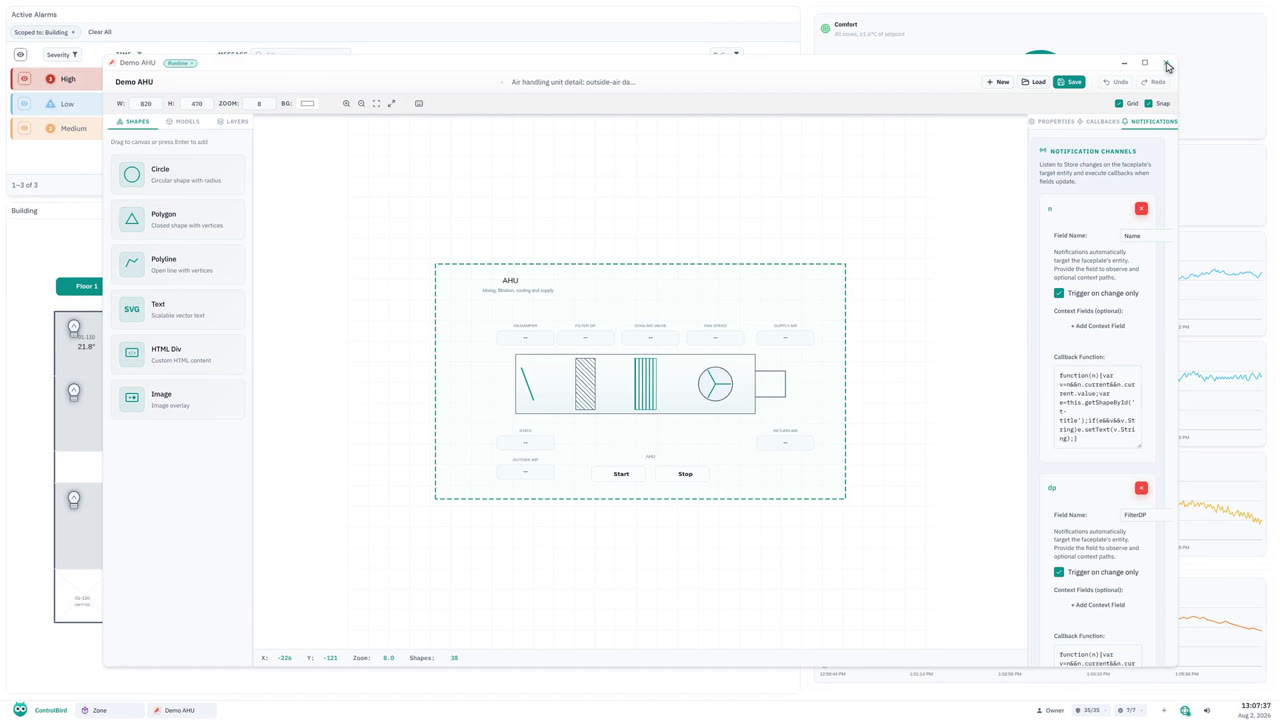
HMI Faceplates, Templates, and Schematics: Visual Design Tools
The three builders behind every screen in the series: reusable models, class-level faceplates, and schematic placements each bound to one real entity.
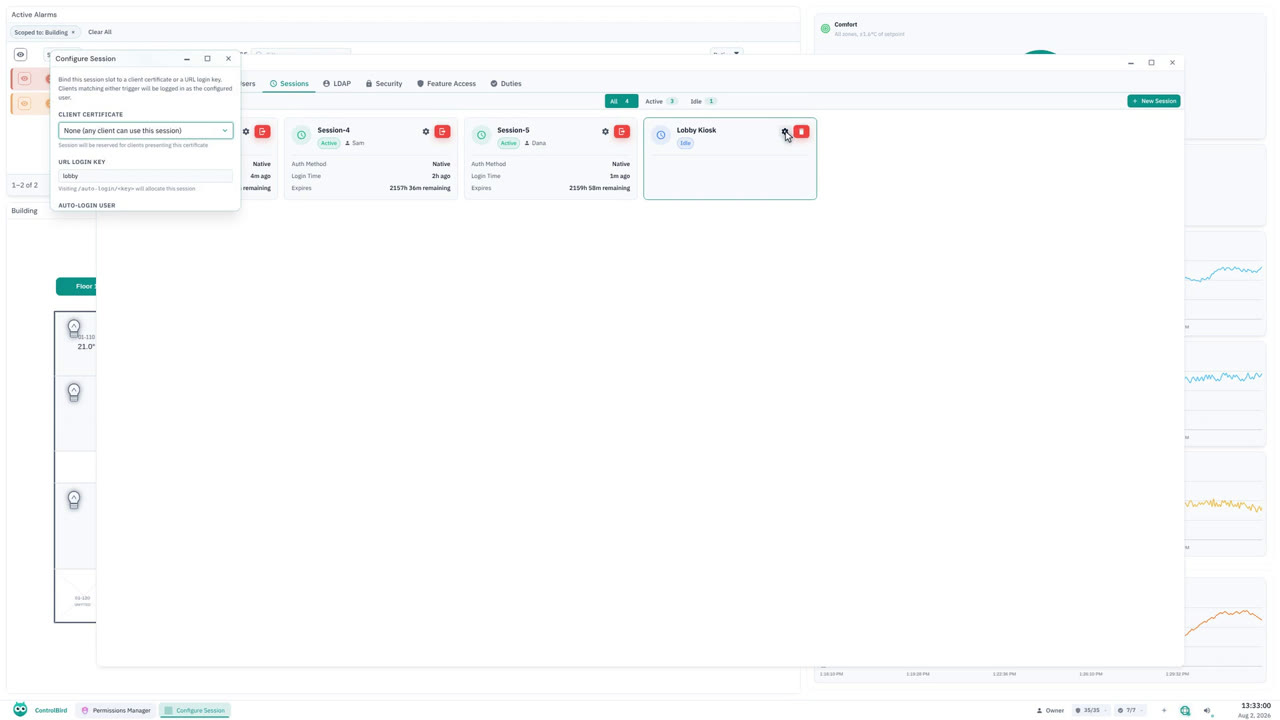
SCADA Kiosk Mode: Auto-Login Wall Displays for Any Location
Session slots as first-class things: create one, wire URL-key auto-login to a user, prove the config persists, and leave the site exactly as it was.
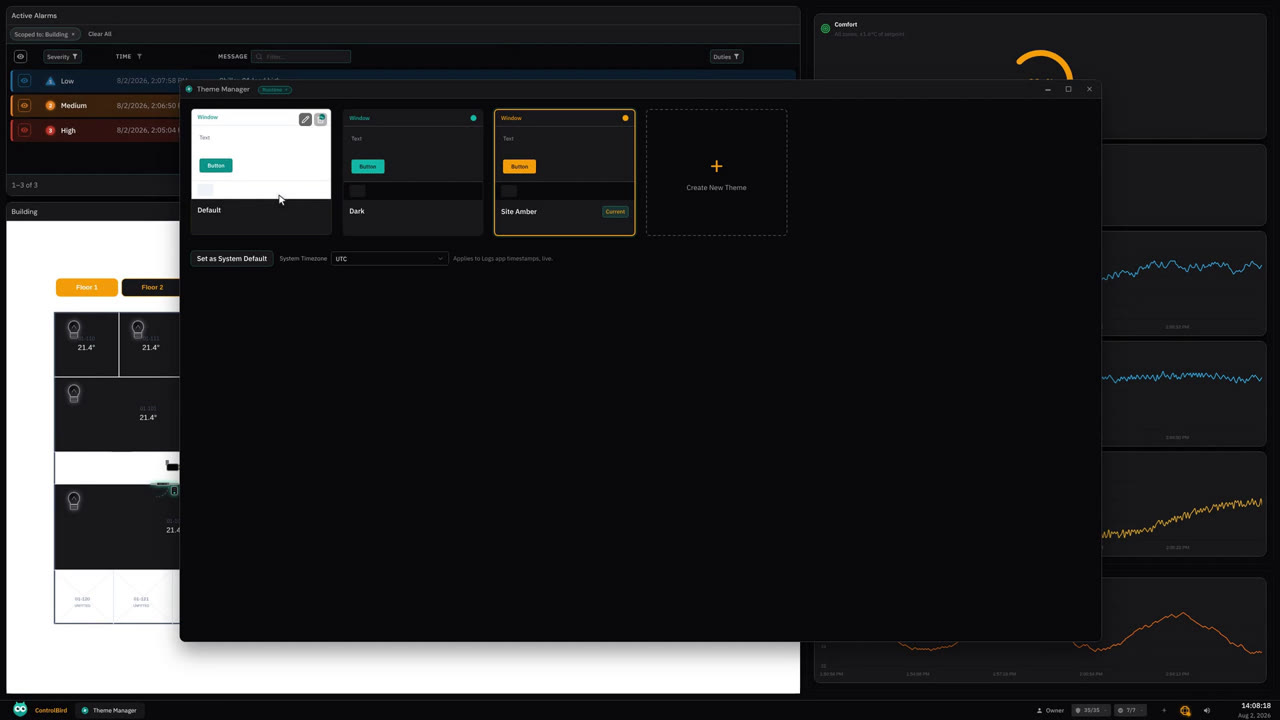
Custom HMI Themes and Dark Mode: Restyle the Entire Interface
One click restyles the whole interface, live: apply the dark theme, build a custom amber one from it, and keep it all scoped to exactly one user.
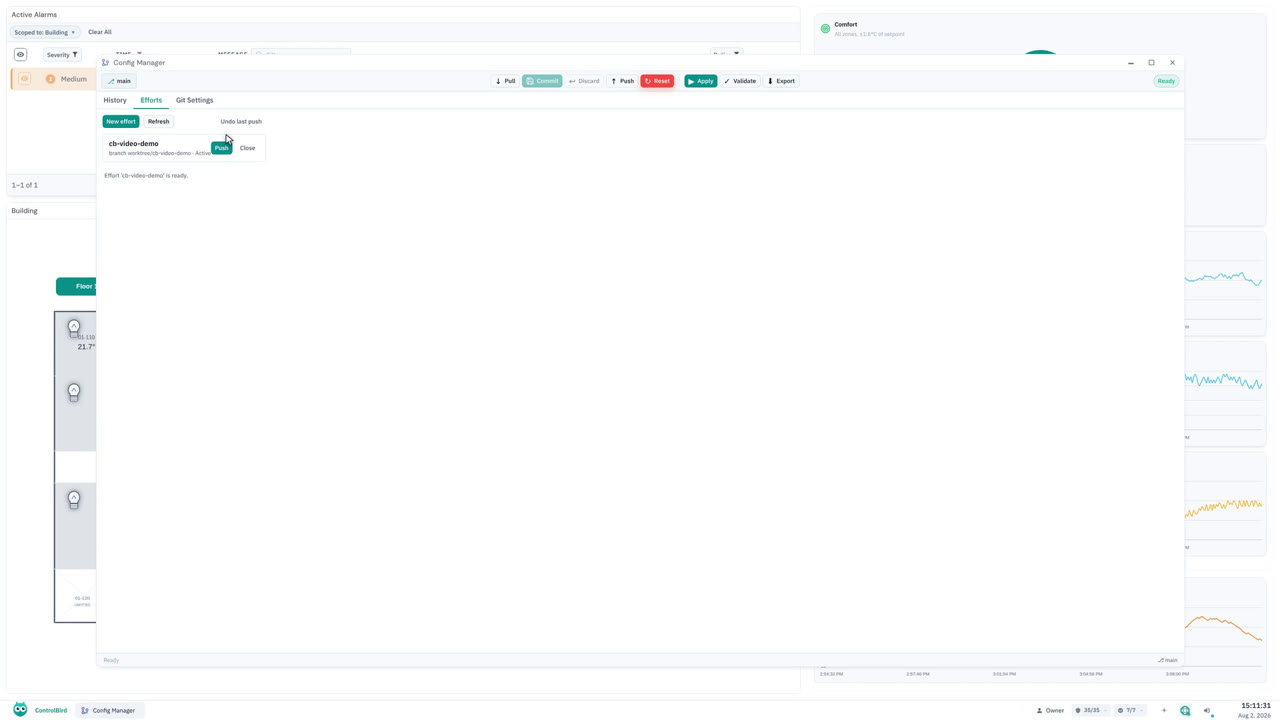
Git Version Control for Your SCADA Config: Branches and History
Schemas and entities under real version control: live validation, browsable history, isolated effort branches you open and close, and the remote configured in-app.
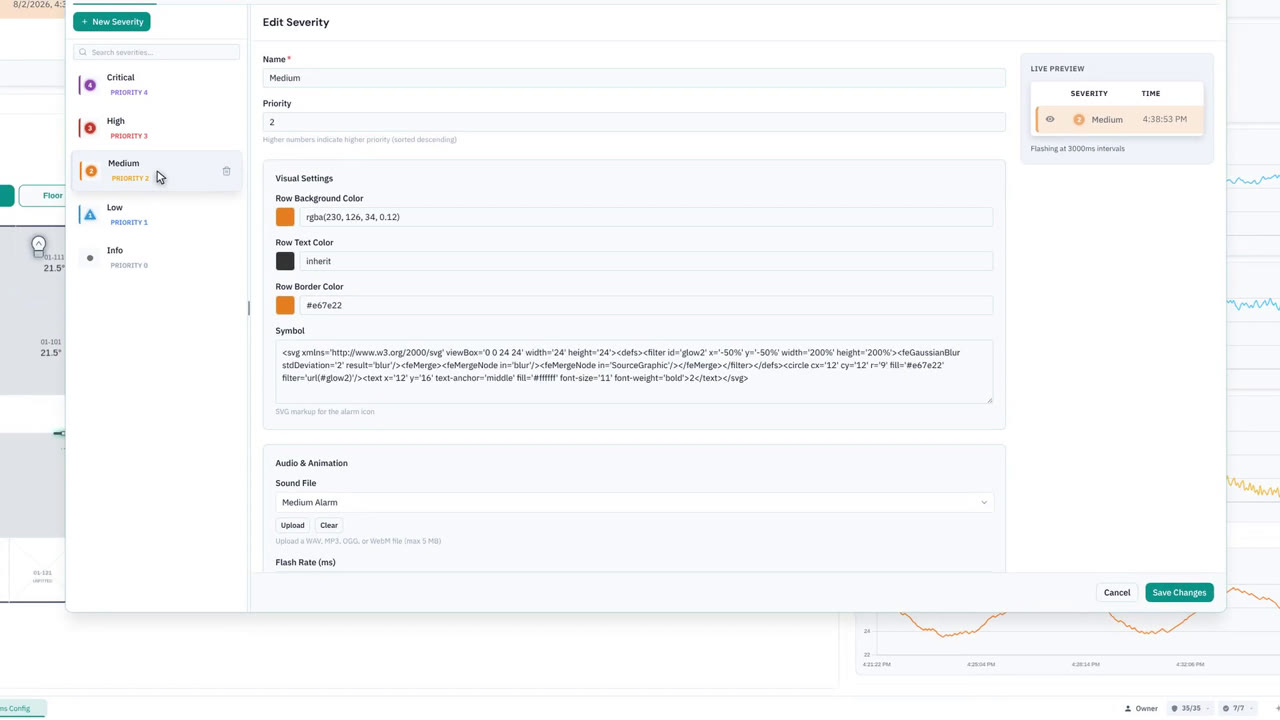
SCADA Alarm Sounds: Audible Alerts by Alarm Severity
How an alarm turns into a sound: the taskbar volume and mute controls, the scheduled program that picks the highest unacknowledged alarm, and the sound file each severity points at.
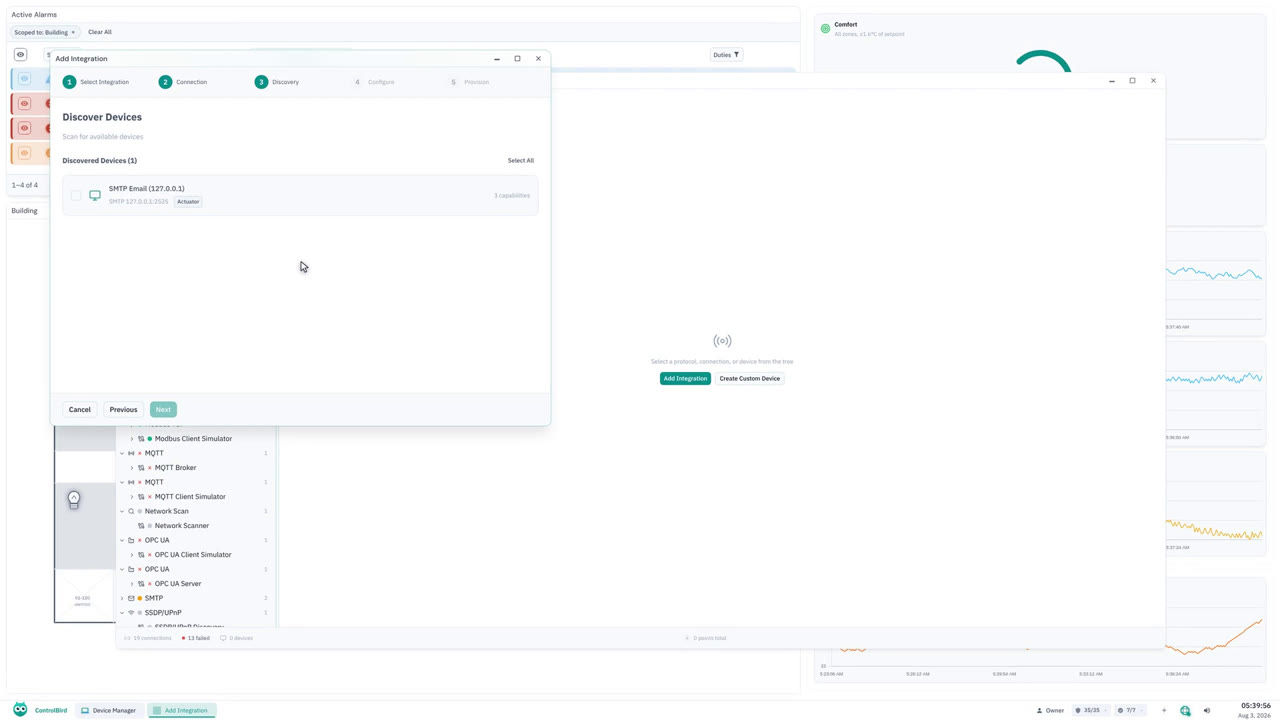
How to Set Up SMTP Email Alerts: Send Email When a Value Changes
Wire up email end to end: point ControlBird at your mail server, prove the connection before saving it, and watch a value change arrive as a formatted email with the entity, the value and the timestamp filled in.
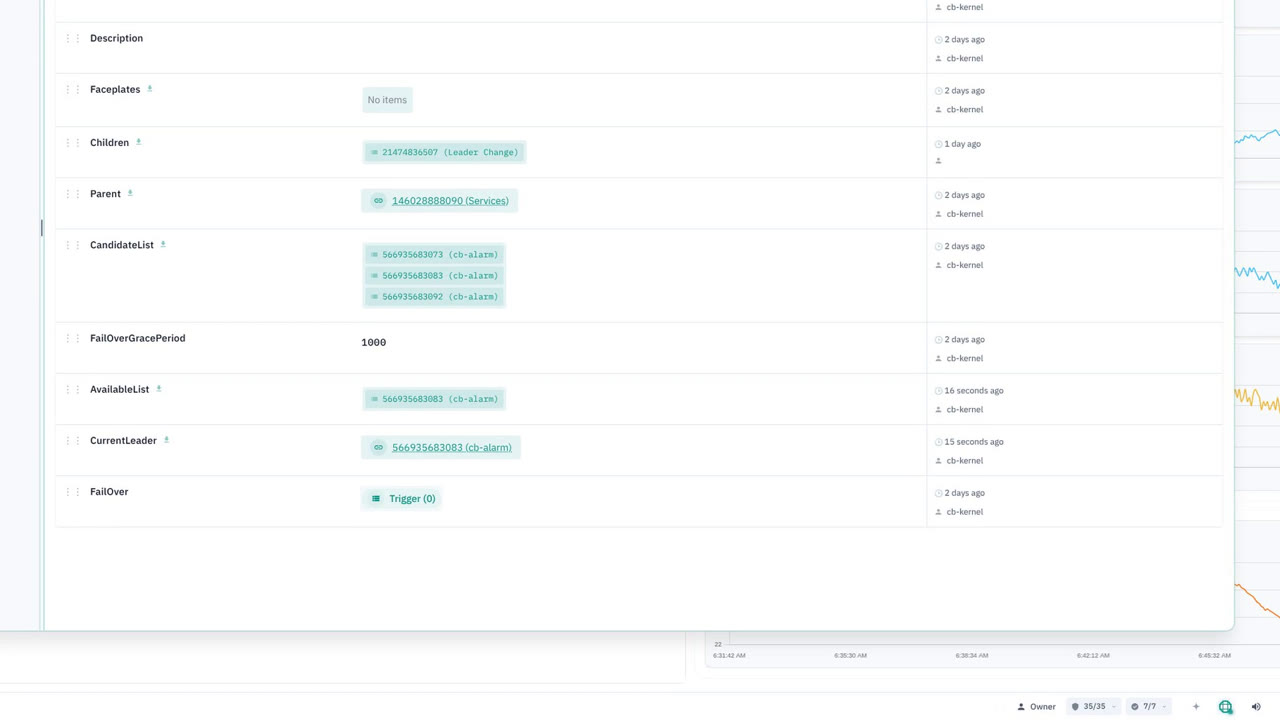
SCADA Redundancy and Automatic Failover, Live in 5 Seconds
Two instances of the same service, one leading and one waiting. Stop the leader on camera and watch the other take over on its own, in about five seconds, with nobody paged and nothing reconfigured.
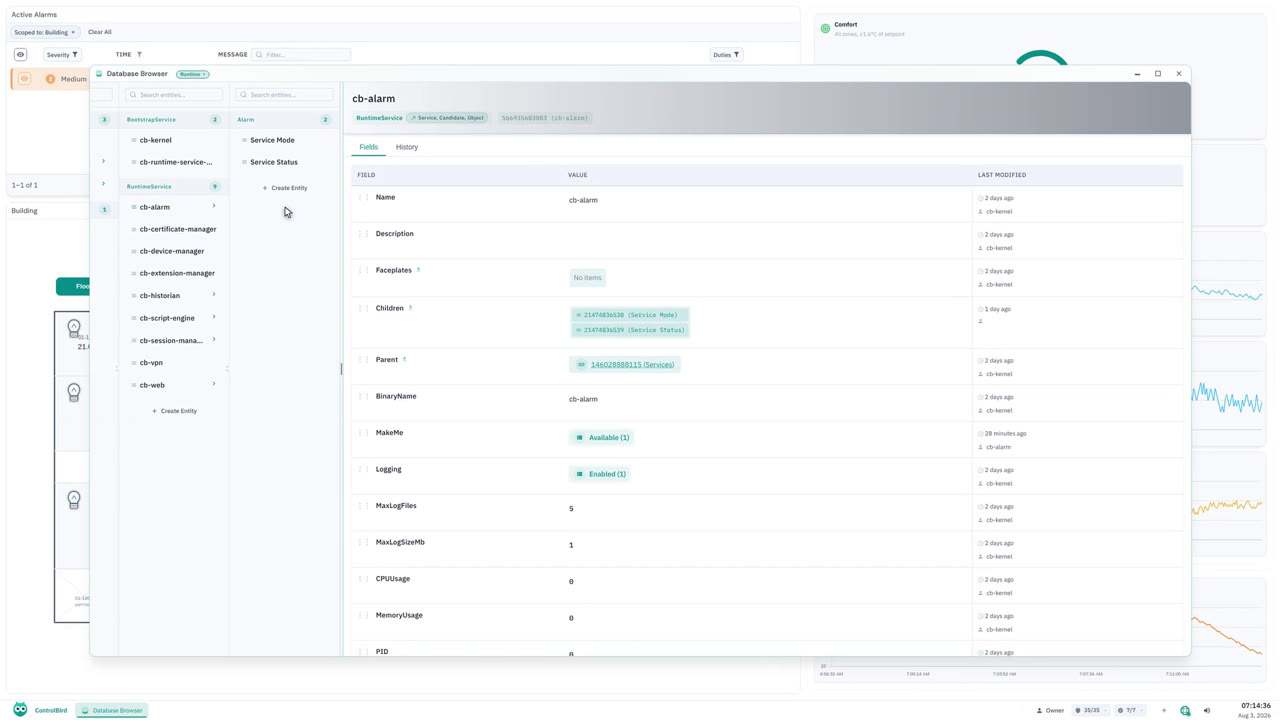
Distributed SCADA Across Multiple Nodes: Peer Discovery, One Store
What changes when a deployment runs on more than one node: peers that find each other without an address typed anywhere, one store both nodes read and write, and workloads that sit wherever you put them.
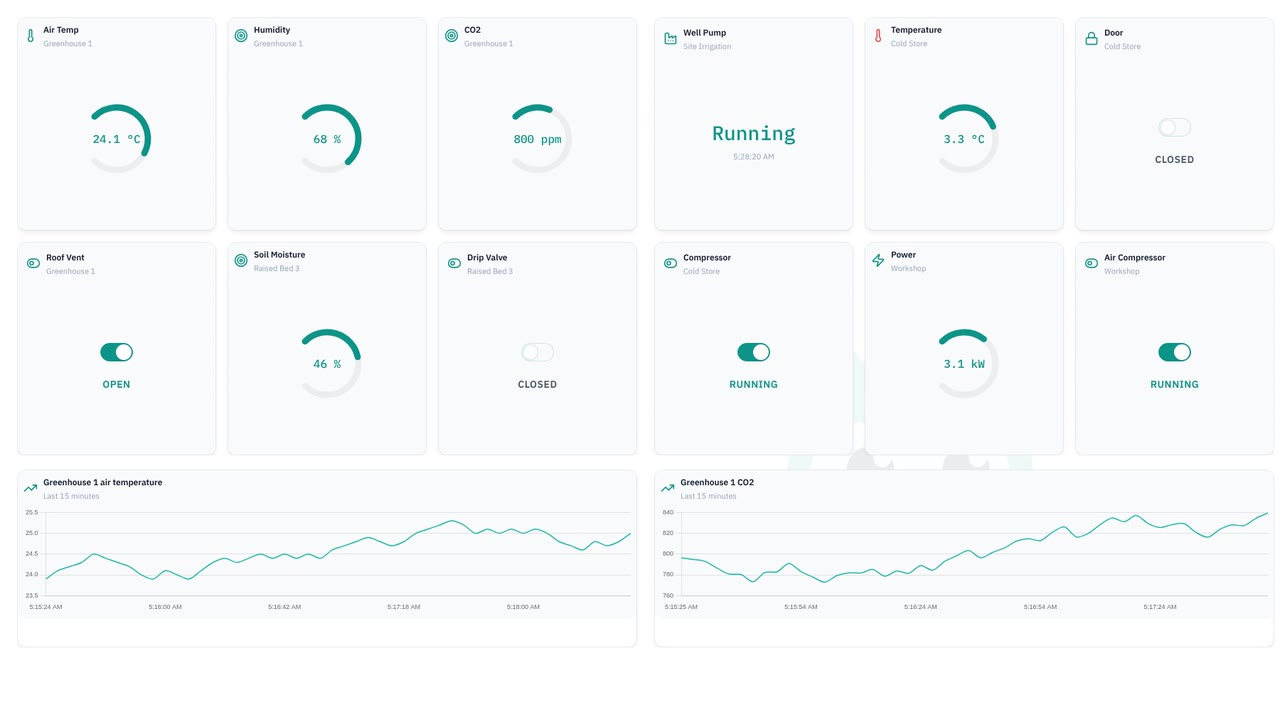
One Live Data Store for Every Device, Dashboard, and Alarm
A tour of the live entity store every device, dashboard, and automation reads from. See a value change in one place and land everywhere at once.
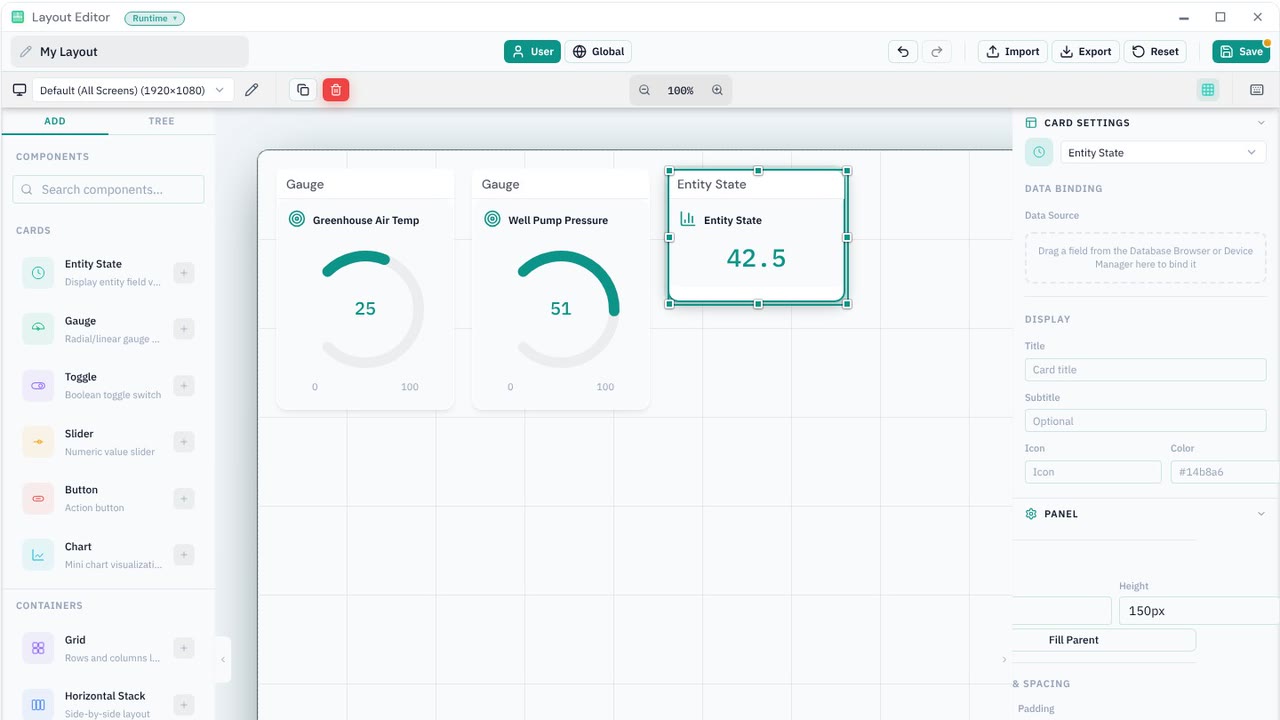
Build a Real-Time Dashboard from 3 Devices with No Code
Build a dashboard from scratch across three separate devices, binding each card to live data in the drag-and-drop Layout Editor. No code.
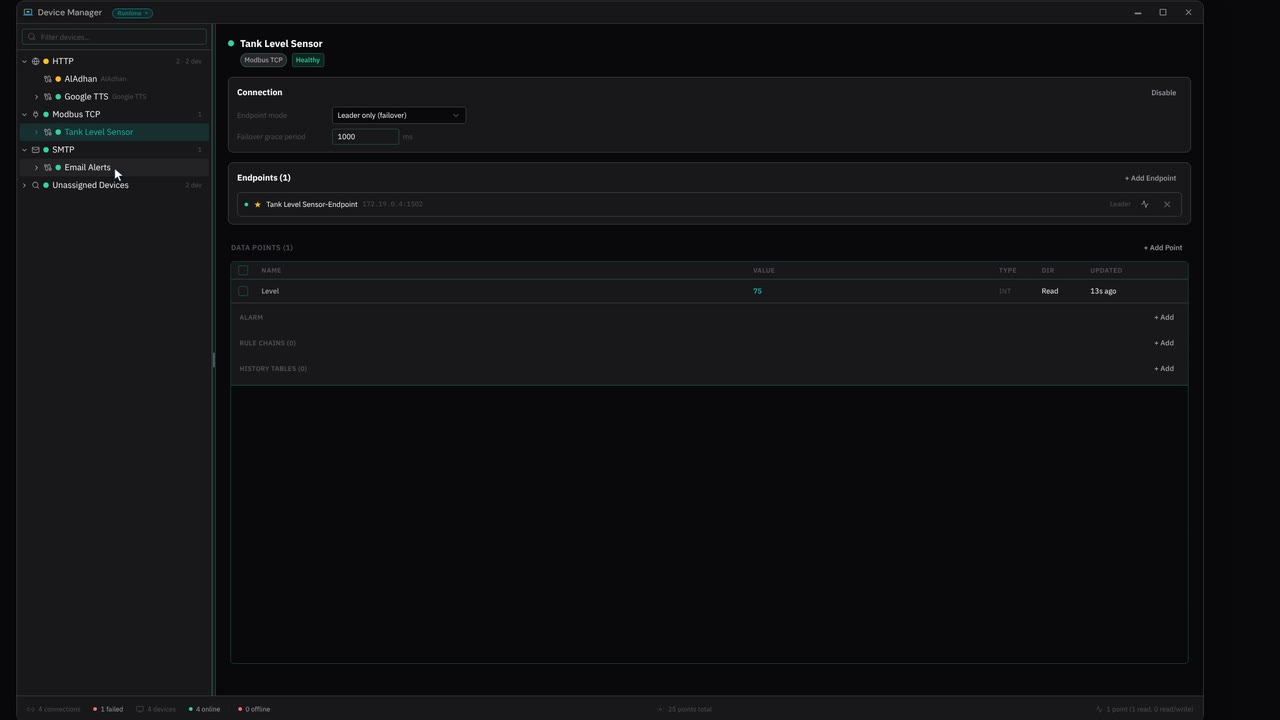
How to Get an Email When a Sensor Crosses a Threshold (Modbus to SMTP)
Wire a Modbus sensor to a threshold alarm and an SMTP endpoint, then watch the alarm fire and the email arrive. End to end, without writing a line of code.