Step 2: Deploy a Node
Launch your first ControlBird instance in the cloud.
Full reference
For complete details, field tables, and limitations, see the Cloud Management reference.
What is a Node?
A node is a running instance of ControlBird: your personal hub for connecting and managing devices. Each node provides:
- Device Connections: Built-in support for Modbus, MQTT, OPC UA, DNP3, and more
- Real-time Data: See device values update instantly as they change
- Visual Interface: A desktop-style UI that's easy to navigate
- Custom Integrations: APIs to connect with your own apps and dashboards
Cloud Nodes
ControlBird Cloud is free for personal use (commercial use requires a license: contact sales@controlbird.io), and every node is the same full ControlBird: every protocol, the historian, alarms, ControlBird AI, and white labeling. Each account can run up to 3 nodes.
Deploying Your Node
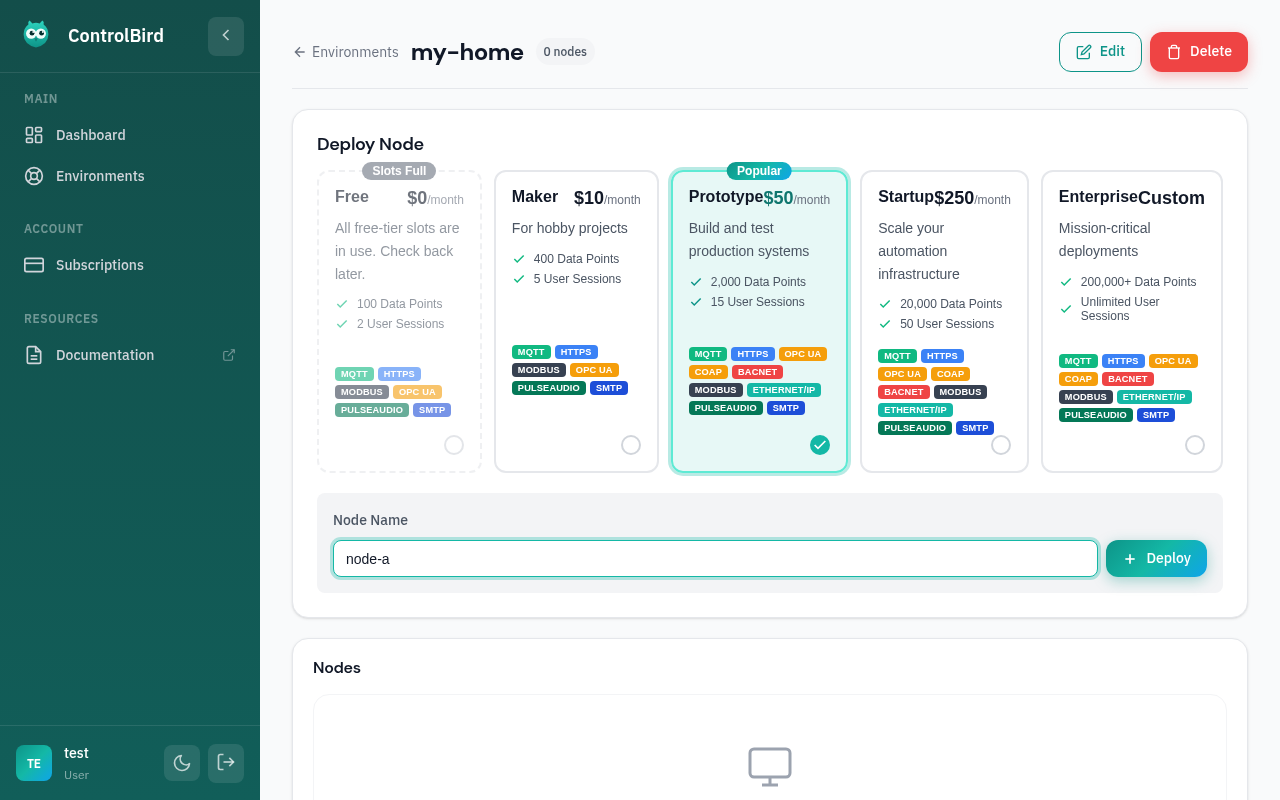
Configure your node's identity:
| Field | Description | Example |
|---|---|---|
| Node Name | A unique, memorable identifier | my-home-hub, greenhouse-01 |
| Region | Deployment location (affects latency) | US East, EU West, Asia Pacific |
Deployment Progress
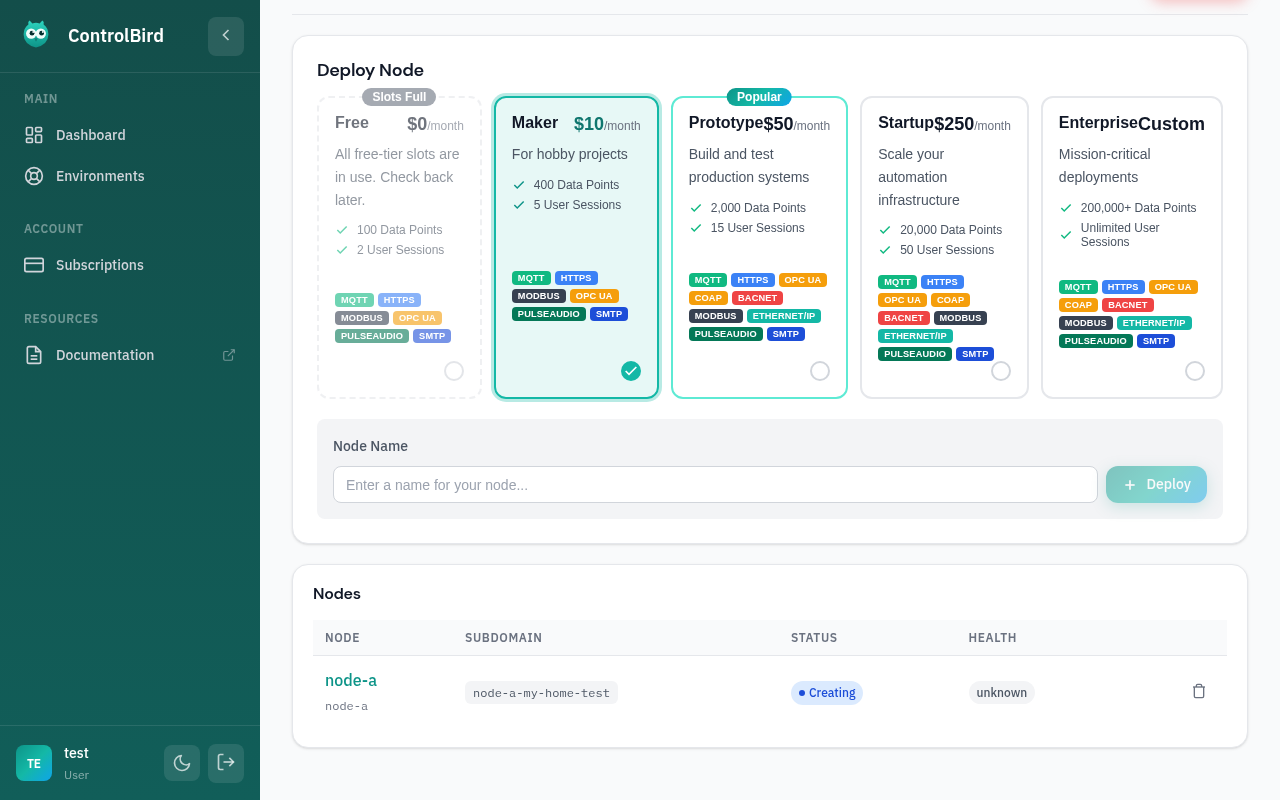
After clicking "Deploy", watch as your node is provisioned:
What Happens Next
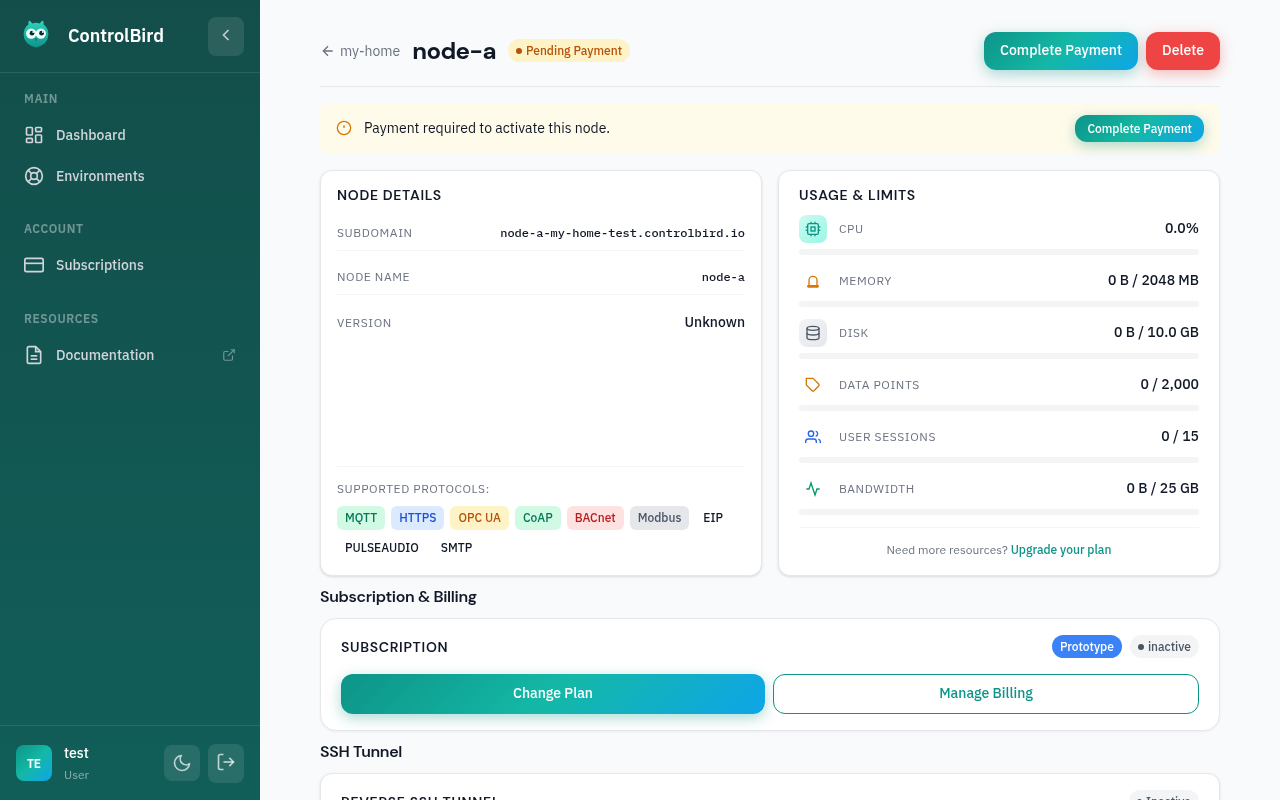
When your node starts, ControlBird automatically sets up everything you need to start connecting devices. Your configuration is saved automatically, so you won't lose anything if you need to restart.
Troubleshooting
My node is stuck on "Creating"
Node creation can sometimes take a bit longer during high demand periods. If your node has been creating for more than 5-10 minutes:
- Refresh the page to get the latest status
- Check the system status page for any ongoing issues
- Try deploying in a different region
Node shows "Error" status
If your node failed to start:
- Click on the node to see detailed error information
- Try deleting and recreating the node
- If the problem persists, contact support with your node ID
How many nodes can I run?
Each account can run up to 3 nodes on ControlBird Cloud. Every node has the same features.